Quickstart
Get Sound Forge Alchemy running locally in about 5 minutes.
Table of Contents
- Prerequisites
- Step 1: Clone and Install
- Step 2: Configure Environment
- Step 3: Start the Database
- Step 4: Run the App
- Step 5: Import Your First Track
- Troubleshooting
Prerequisites
You must have installed:
- Elixir ~> 1.15 and Erlang/OTP 26+ (
brew install elixiron macOS) - PostgreSQL 14+ running locally or accessible via
DATABASE_URL - Node.js 20+ for asset compilation
- Python 3.10+ with
pip - A Spotify Developer account with a registered application
Optional but recommended:
- spotdl for audio downloads:
pip install spotdl - demucs for local stem separation:
pip install demucs - librosa for audio analysis:
pip install librosa
Step 1: Clone and Install
git clone https://github.com/peguesj/sound-forge-alchemy.git
cd sound-forge-alchemy

# Install Elixir dependencies
mix deps.get

# Install JS dependencies
npm install

# Set up assets
mix assets.setup
Step 2: Configure Environment
Create a .env file in the project root:
cp .env.example .env # if example exists, or create manually
Minimum required variables:
# .env

# Spotify OAuth (required for track import)
SPOTIFY_CLIENT_ID=your_spotify_client_id
SPOTIFY_CLIENT_SECRET=your_spotify_client_secret

# Database (uses local dev defaults if omitted)
# DATABASE_URL=ecto://postgres:postgres@localhost/sound_forge_dev
See the Configuration Guide for all available variables.
Step 3: Start the Database
# Create and migrate the database
mix ecto.setup
This runs ecto.create, ecto.migrate, and priv/repo/seeds.exs.
Step 4: Run the App
# Source .env and start the server
source .env && mix phx.server
The application starts at http://localhost:4000.
Register an account at /users/register.
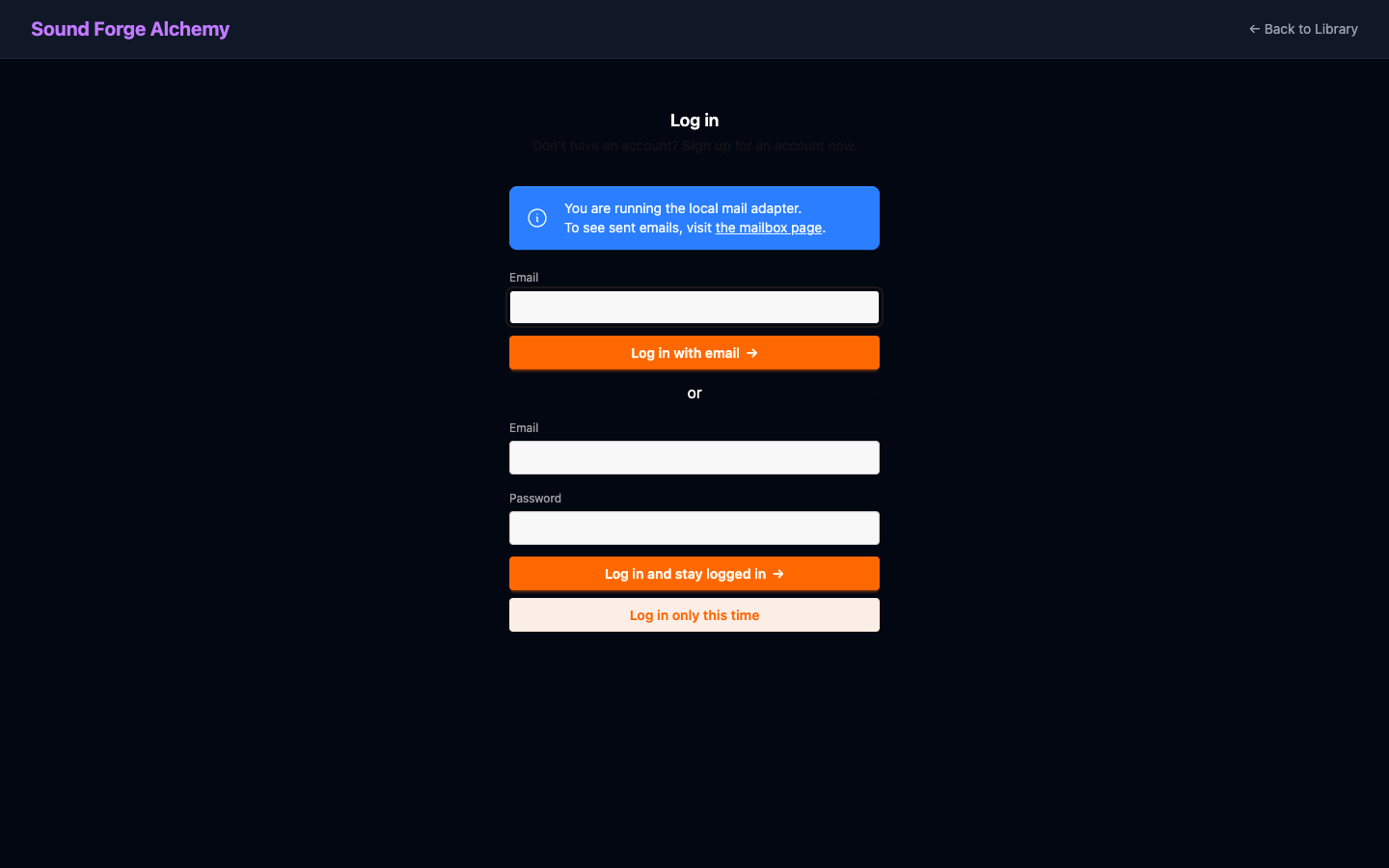 The login page offers two authentication methods: a magic link sent to your email, or a traditional email and password form.
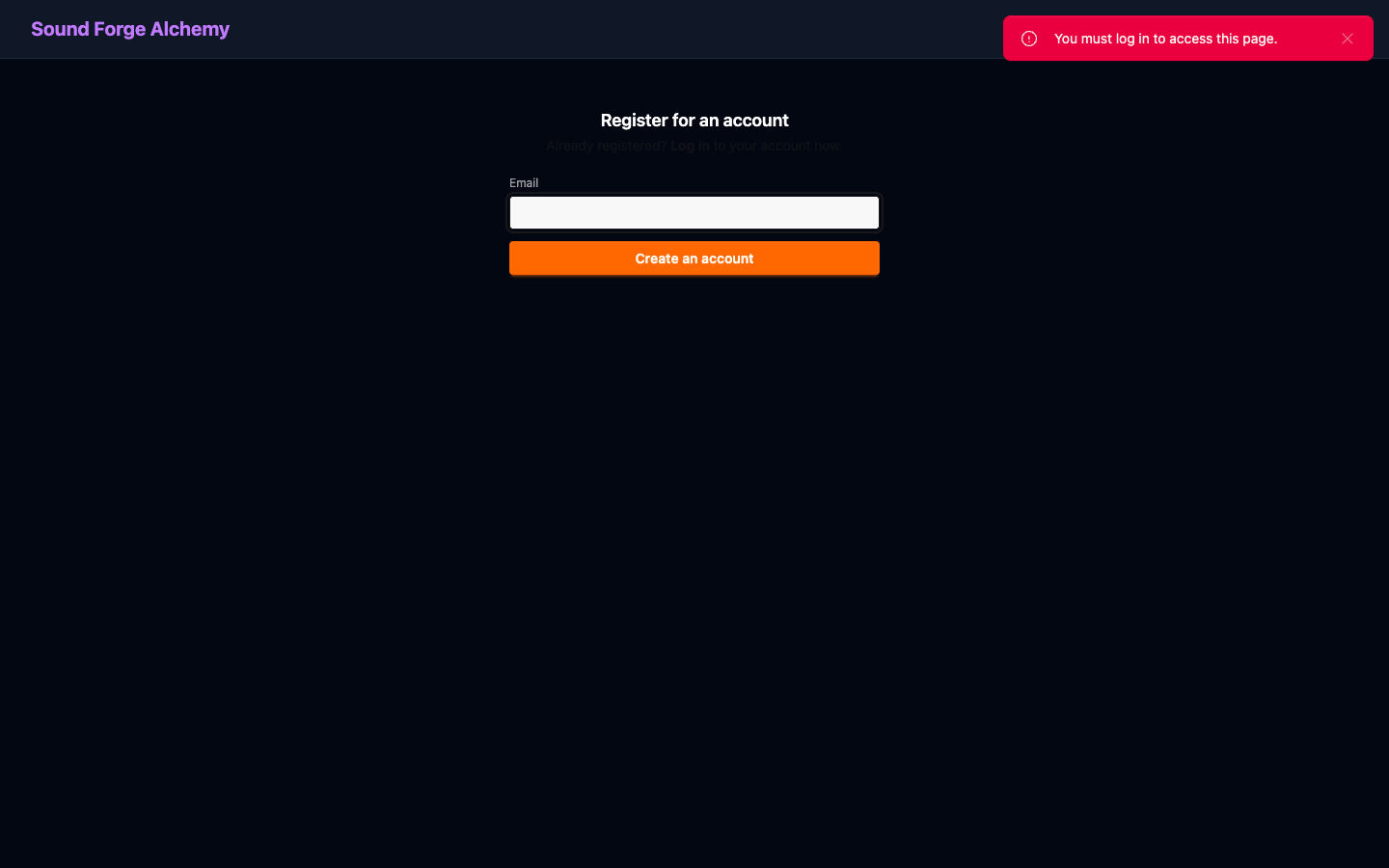 Registration only requires an email address. After submitting, check your inbox for a confirmation link.
Step 5: Import Your First Track
- Open http://localhost:4000
- Log in with your account
- Paste a Spotify track URL (e.g.,
https://open.spotify.com/track/4uLU6hMCjMI75M1A2tKUQC) - Click Import
- Watch the download, stem separation, and analysis pipeline run in real time
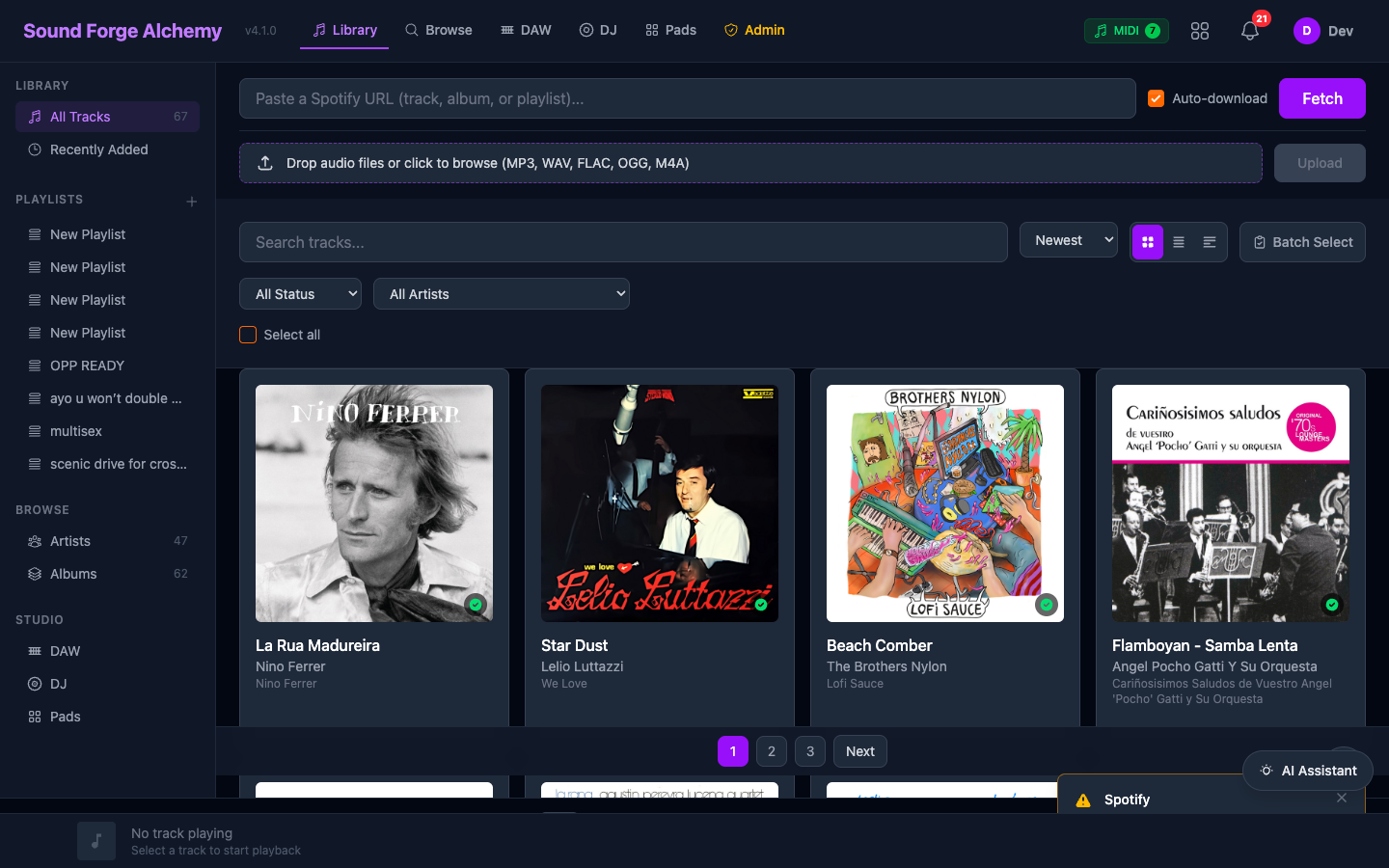 The main library view after importing tracks. The left sidebar provides navigation across Library, Playlists, Browse, and Studio tools. The orange Fetch button and drag-and-drop zone at the top are the primary import entry points.
Troubleshooting
DATABASE_URL missing error
Ensure PostgreSQL is running and ecto.create succeeded. For local dev, the default URL is ecto://postgres:postgres@localhost/sound_forge_dev.
SPOTIFY_CLIENT_ID missing
The app will load but Spotify import will fail. Set both SPOTIFY_CLIENT_ID and SPOTIFY_CLIENT_SECRET in .env.
spotdl not found
Downloads require spotdl on the system PATH. Install with pip install spotdl. If using Docker, it is included in the image.
Python analysis errors
Install librosa and its dependencies: pip install librosa soundfile. On Apple Silicon, also install pip install llvmlite.
See Also
| ← Guides Index | Next: Installation → |